CapsCode

Hello Everyone,
Have you ever tried Lottiefiles.com for animations in your front end projects.
In tutorials I will guide you how to use it in your HTML file and in REACTJS project.
1.LETS FIRST SEE HOW TO USE LOTTIEFILES.COM IN HTML PROJECT
i am using this lottiefiles for out HTML project By opening this link in right hand bottom side you can see something written html as mentioned in below image, just click on that
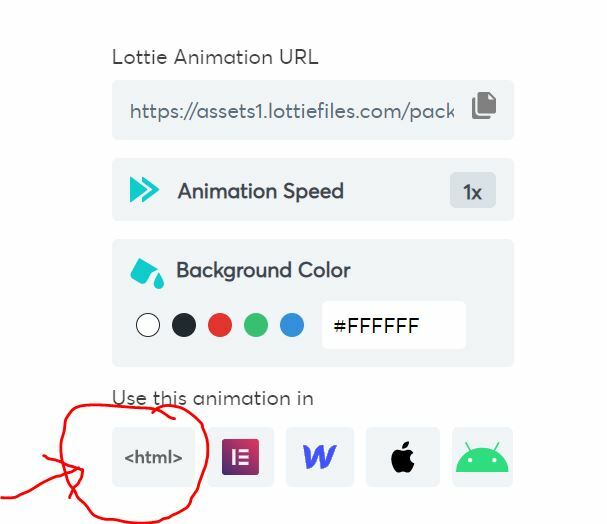
On Clicking, Something similar to the below window will open
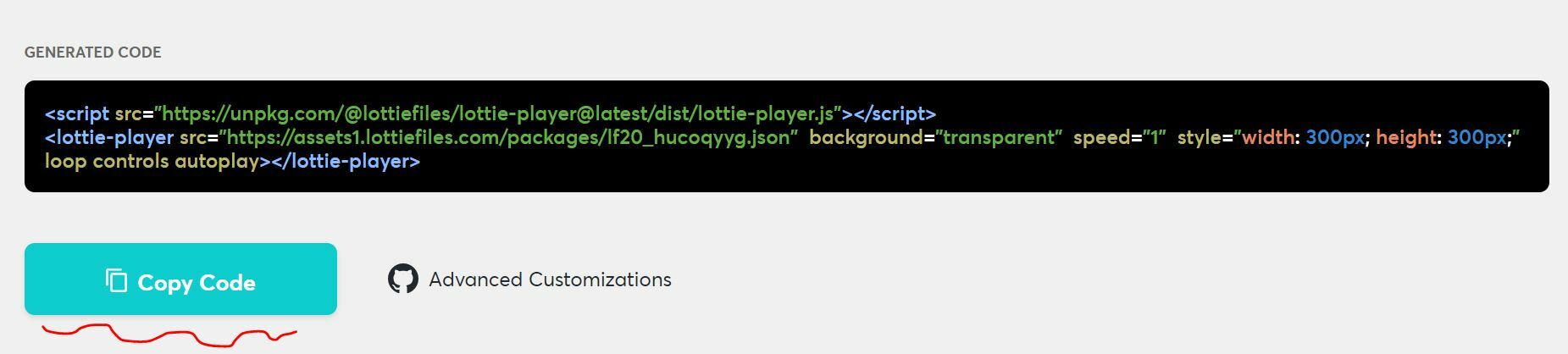
Now, just copy the code and start using Lottifiles in your code.
2. LETS SEE HOW TO USE LOTTIEFILES.COM IN ReactJS PROJECT
For our React project i am using this
Once you click on any of the lottiefiles the below window will open,
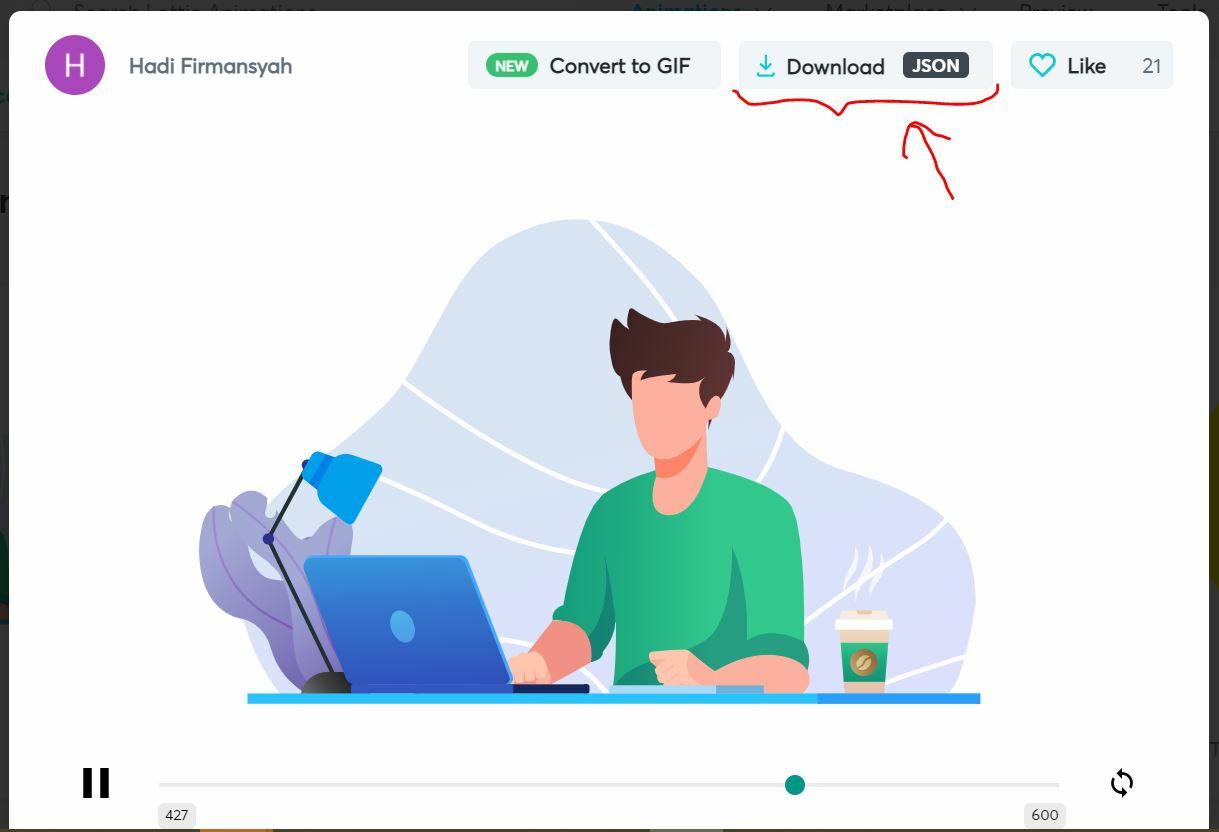
For react project we will download the JSON file and paste it our component folder (any) like this
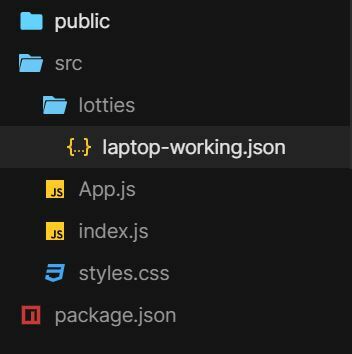
Now, here comes the most important part,
- lets install react-lottie
jsnpm install react-lottie
- After installing react-lottie, we need to import Lottie in our component using below import statement
jsimport Lottie from "react-lottie";
3: Now we will import our lottie
jsimport animationData from "./lotties/laptop-working";
4: We need to define one variable named defaultOption inside our component as
jsconst defaultOptions = {
loop: true,
autoplay: true,
animationData: animationData,
rendererSettings: {
// preserveAspectRatio: "xMidYMid slice"
},
};
5: we are now good to go, we can now use our Lotties using below statement.
js<Lottie options={defaultOptions} height={400} width={400} />
here is our Lottie in our react js project:

Here is the full code
App.js
jsimport React from "react";
import "./styles.css";
import Lottie from "react-lottie";
import animationData from "./lotties/laptop-working";
export default function App() {
const defaultOptions = {
loop: true,
autoplay: true,
animationData: animationData,
rendererSettings: {
// preserveAspectRatio: "xMidYMid slice"
},
};
return (
<div className="App">
<h1 style={{ color: "#EA7773" }}>Hey There, Welcome To</h1>
<h1 style={{ color: "Purple" }}>CAPSCODE.IN</h1>
<h4>
<a
href="https://instagram.com/capscode.in"
style={{ textDecoration: "none", color: "#E74292" }}
>
CLICK to follow us on Instagram for amazing & helpful updates EVERYDAY
</a>
</h4>
<Lottie options={defaultOptions} height={400} width={400} />
</div>
);
}